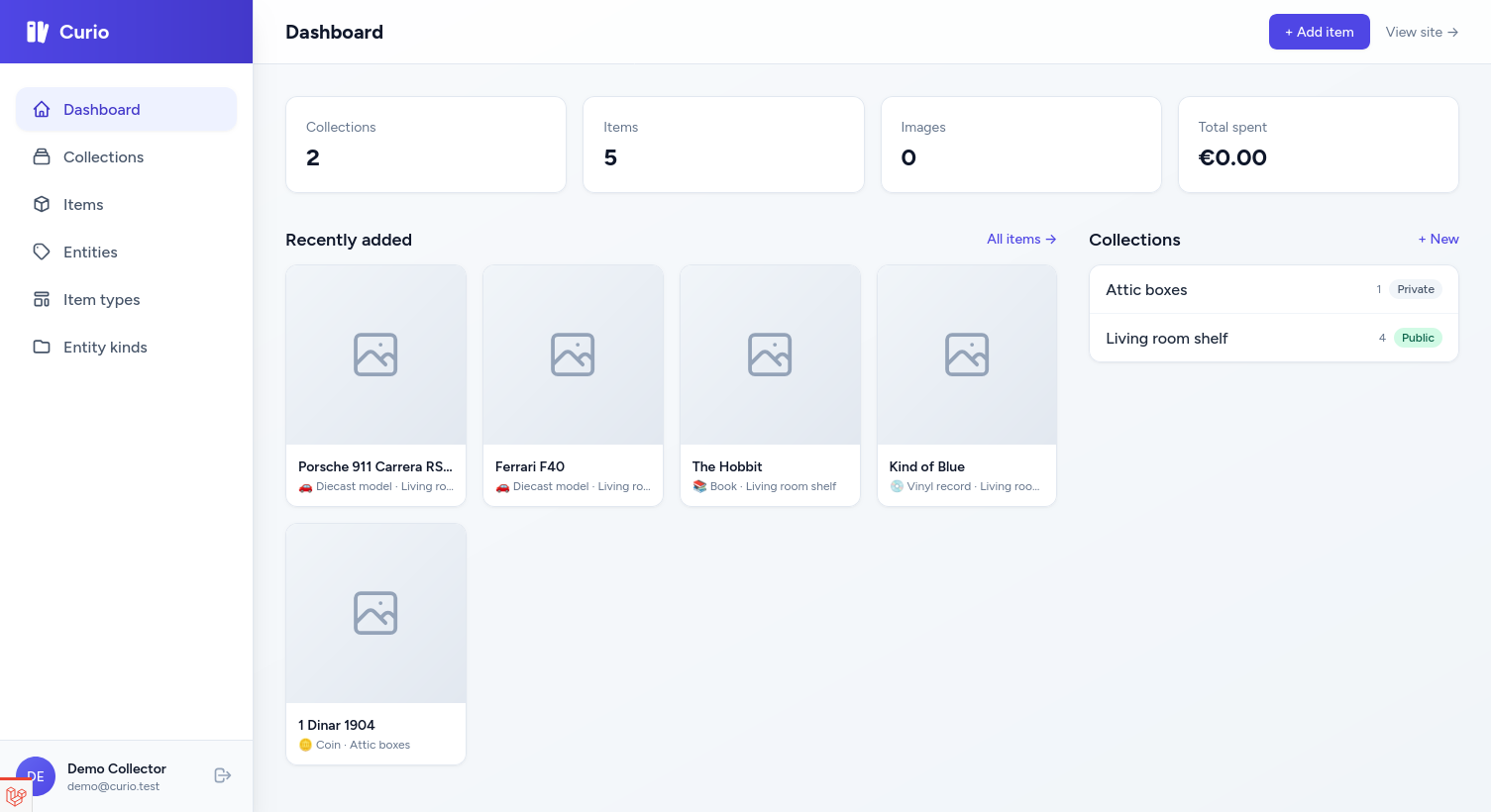
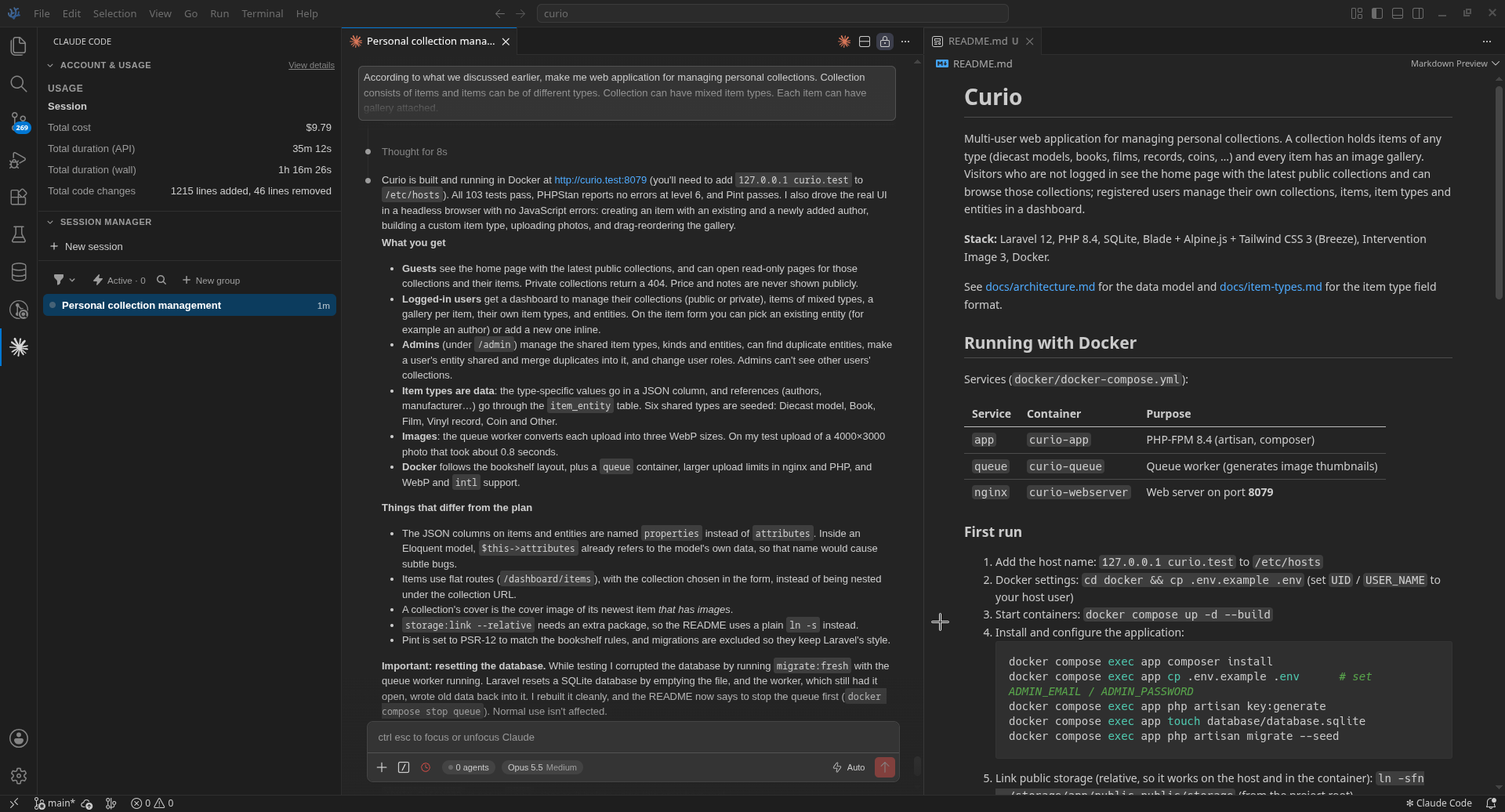
Napravio alat za upravljanje i praΔenje domena. Zapravo AI ga je napravio pod mojom supervizijom.

Napravio aplikaciju za stres-test druge aplikacije π Interfejs je u Laravelu a za sam test se koristi k6, neΕ‘to za Ε‘ta prvi put Δujem.

Cursor Agent
/data/serije/Touch of Frost, A/S01
(cwd is not a git repository, cursor rules and ignore files don't apply)
βββββββββββββββββββββββββββββββββββββββββββββββββββββββββββββββββββββββββββββ
β Is there a way to calculate offset in percentage between two timestamps? β
β Looks like second timestamp is slower by some percent β
β in regard of first one: 00:01:07,96 => 00:01:09,869 β
β 00:03:16,96 => 00:03:26,308 β
β 00:04:34,96 => 00:04:45,888 β
βββββββββββββββββββββββββββββββββββββββββββββββββββββββββββββββββββββββββββββ
Yes, you can calculate this. Let me convert and analyze the timestamps:
| First (seconds) | Second (seconds) | Ratio (t2/t1) |
|------------------|------------------|----------------|
| 67.96 | 69.869 | 1.0281 (2.81%) |
| 196.96 | 206.308 | 1.0474 (4.74%) |
| 274.96 | 285.888 | 1.0397 (3.97%) |
The ratios aren't perfectly consistent, which suggests either:
1. Measurement imprecision in the sample points
2. A combination of scaling + offset rather than just scaling
If we assume a linear relationship t2 = scale * t1 + offset, we can calculate:
Using a linear regression approach with your 3 points:
β’ Scale factor: ~1.043 (second is ~4.3% slower)
β’ Offset: ~-1 second (small initial shift)
To sync the second timestamps to match the first, you'd apply:
corrected_time = (original_time + 1) / 1.043
Or in percentage terms: the second set runs approximately 4.3% slower.
Would you like me to write a script to resync subtitle files using this factor? If you share the actual .srt files, I can calculate a more
precise correction factor using more data points.
βββββββββββββββββββββββββββββββββββββββββββββββββββββββββββββββββββββββββββββββββ
β You can compare 720p WEB-DL HEVC x265 BONE.en.srt and subs.srt. subs.srt β
β have correct timestamps but don't have all lines. β
β First srt file have all lines but is lacking. β
βββββββββββββββββββββββββββββββββββββββββββββββββββββββββββββββββββββββββββββββββ
Let me read both subtitle files to compare their timestamps and calculate the precise sync factor.
β¬’ Read 2 files
Read ...nd Protection 720p WEB-DL HEVC x265 BONE.en.srt
Read subs.srt
Let me read the beginning of the first SRT file to compare timestamps.
β¬’ Read ...nd Protection 720p WEB-DL HEVC x265 BONE.en.srt
Now I can compare matching lines between the two files. Let me calculate the sync parameters:
| Text | subs.srt (correct) | BONE.en.srt |
|----------------------------|--------------------|-------------|
| "I said I'd meet Tracy" | 67.96s | 69.869s |
| "Sorry" | 196.96s | 206.308s |
| "Which is the most recent" | 274.96s | 285.888s |
Using linear regression on these three points, the relationship is:
t_bone = 1.045 Γ t_correct - 0.7
This means:
β’ Scale factor: 1.045 (BONE.en.srt runs ~4.5% slower)
β’ Offset: ~0.7 seconds (small initial shift)
To correct the BONE.en.srt timestamps:
corrected_time = (bone_time + 0.7) / 1.045
Would you like me to create a Python script that will:
1. Read the BONE.en.srt file (which has all the subtitle lines)
2. Apply this correction formula to all timestamps
3. Save a new corrected SRT file
This will give you a file with all the dialogue from BONE.en.srt but synced to match your video timing from subs.srt.
ββββββββββββββββββββββββββββββββββββββββββββββββββββββββββββββββββββββββββββββββββ
β Proceed β
ββββββββββββββββββββββββββββββββββββββββββββββββββββββββββββββββββββββββββββββββββ
βββββββββββββββββββββββββββββββββββββββββββββββββββββββββββββββββββββββββββββββββ
β resync_srt.py +62 β
β β
β + #!/usr/bin/env python3 β
β + """ β
β + Resync SRT subtitles by applying a scale and offset correction. β
β + Formula: corrected_time = (original_time + offset) / scale β
β + """ β
β β
β + import re β
β + import sys β
β + β
β + # Correction parameters calculated from matching timestamps β
β + SCALE = 1.045 # BONE.en.srt runs 4.5% slower β
β + OFFSET = 0.7 # seconds to add before scaling β
β β¦ truncated (51 more lines) Β· ctrl+r to review β
βββββββββββββββββββββββββββββββββββββββββββββββββββββββββββββββββββββββββββββββββ
$ cd "/data/serije/Touch of Frost, A/S01" && python3 resync_srt.py 5.0s
Resynced subtitles saved to: A Touch of Frost Season 01 Episode 01 - Care and Protection 720p WEB-DL HEVC x265 BONE.en.synced.srt
Applied correction: time = (original + 0.7) / 1.045
β¦ truncated (1 more line) Β· ctrl+o to expand
Let me verify the correction by comparing some timestamps.
β¬’ Read ...ection 720p WEB-DL HEVC x265 BONE.en.synced.srt
Done. Here's the comparison:
| Line | subs.srt (reference) | Original BONE | Corrected |
|--------------|----------------------|---------------|--------------|
| "meet Tracy" | 00:01:07.96 | 00:01:09,869 | 00:01:07,530 |
| "Sorry" | 00:03:16.96 | 00:03:26,308 | 00:03:18,093 |
The corrected file is within ~0.5-1s of the reference, which should be acceptable for viewing.
Created files:
β’ A Touch of Frost Season 01 Episode 01 - Care and Protection 720p WEB-DL HEVC x265 BONE.en.synced.srt - the resynced subtitles
β’ resync_srt.py - the script (can be reused/adjusted if needed)
Correction applied: time = (original + 0.7) / 1.045
Test the synced file with your video. If timing still needs fine-tuning, you can adjust the SCALE and OFFSET values in the script and
re-run it.
βββββββββββββββββββββββββββββββββββββββββββββββββββββββββββββββββββββββββββββββββββ
β β Add a follow-up β
βββββββββββββββββββββββββββββββββββββββββββββββββββββββββββββββββββββββββββββββββββ
Claude 4.5 Opus (Thinking) Β· 42.9% Β· 1 file edited
/ commands Β· @ files Β· ! shell Β· ctrl+r to review edits
OK, isprobao sam i Laravel Sail. Pre svega, ako hoΔemo da koristimo SQLite bazu u projektu, moramo u lokalu da instaliramo php-sqlite ekstenziju i da je ukljuΔimo u php.ini:
sudo pacman -S php-sqlite
sudo nano /etc/php/php.ini # omoguΔiti pdo_sqlite i sqlite3
Onda kreiramo projekat u tekuΔem direktorijumu
composer create-project --prefer-dist laravel/laravel .
pa instaliramo Sail:
php artisan sail:install
E sad, Sail radi samo sa PHP-ovim serverom, ne moΕΎe da se pokrene nginx ili Apache Ε‘to je bezveze. Ako planiramo da projekat ikada ode u produkciju, neΔe se vrteti na PHP serveru π Tako da… nije ovo za mene. DrΕΎim se mog Docker compose-a.
You’ve hit on a valid point. Sail is essentially a convenience wrapper around Docker Compose. Here’s the honest breakdown:
What Sail Actually Provides
sail up = docker compose up
sail artisan migrate = docker compose exec app php artisan migrate
sail composer install = docker compose exec app composer install
sail npm run dev = docker compose exec app npm run dev
Pre-built PHP images = You build your own
sail:add for services = You write the YAML yourself
Sail Makes Sense When:
β’ You’re new to Docker β zero config to get started
β’ Quick prototyping β composer require laravel/sail and go
β’ You don’t care about production parity β just need something running
β’ Team with mixed Docker experience β simpler commands for everyone
Plain Docker Compose Makes Sense When:
β’ You want production parity β your exact Nginx/PHP-FPM setup
β’ You already know Docker β Sail’s abstractions just get in the way
β’ Custom requirements β specific extensions, configs, services
β’ You want transparency β no magic, you control everything
My Recommendation
Since you want to replicate production and you’re comfortable with Docker:
Skip Sail. Use plain Docker Compose.
Create your own docker-compose.yml with:
β’ Nginx configured like production
β’ PHP-FPM with your production extensions
β’ Same MySQL/PostgreSQL version as production
You’ll have full control, no workarounds, and your local environment will actually match production.
Napravili jednostavnu veb aplikaciju za upravljanje liΔnim zadacima. UraΔena je iskljuΔivo uz pomoΔ veΕ‘taΔke inteligencije u Δistom HTML-u, CSS-u i JavaScript-u. MoΕΎe da se pokrene u lokalu tako Ε‘to se otvori index.html iz brauzera ali smo je radi lakΕ‘e dostupnosti podigli na veb server. Ne postoji login na aplikaciju zato Ε‘to se zadaci Δuvaju lokalno, u local storage-u. Zadatke je moguΔe snimiti u fajl pa ih posle uΔitati u drugi brauzer/raΔunar. Ima i podsetink π

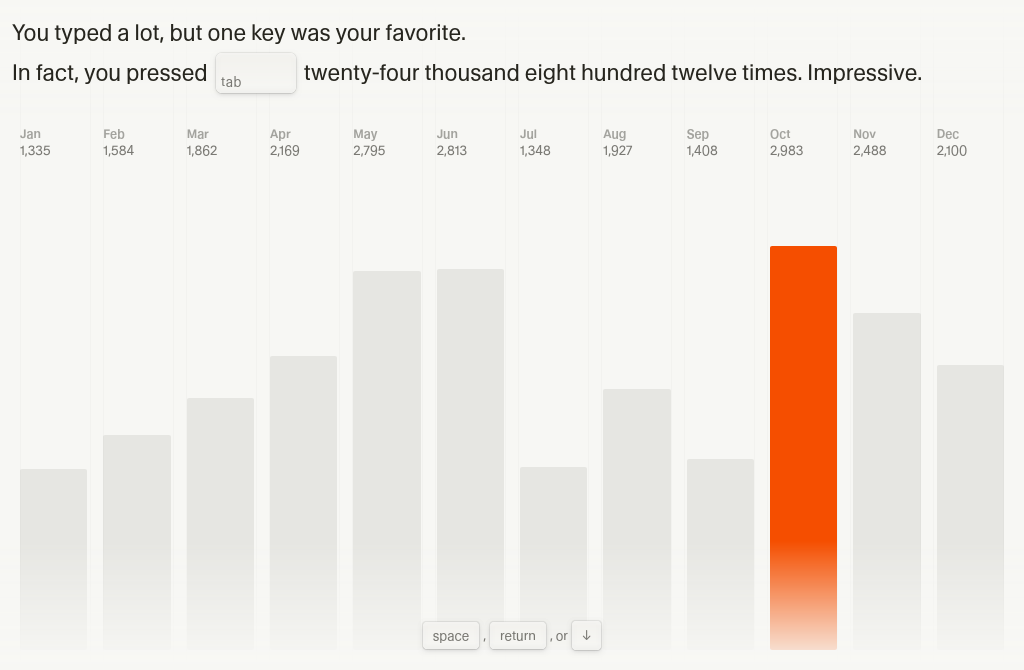
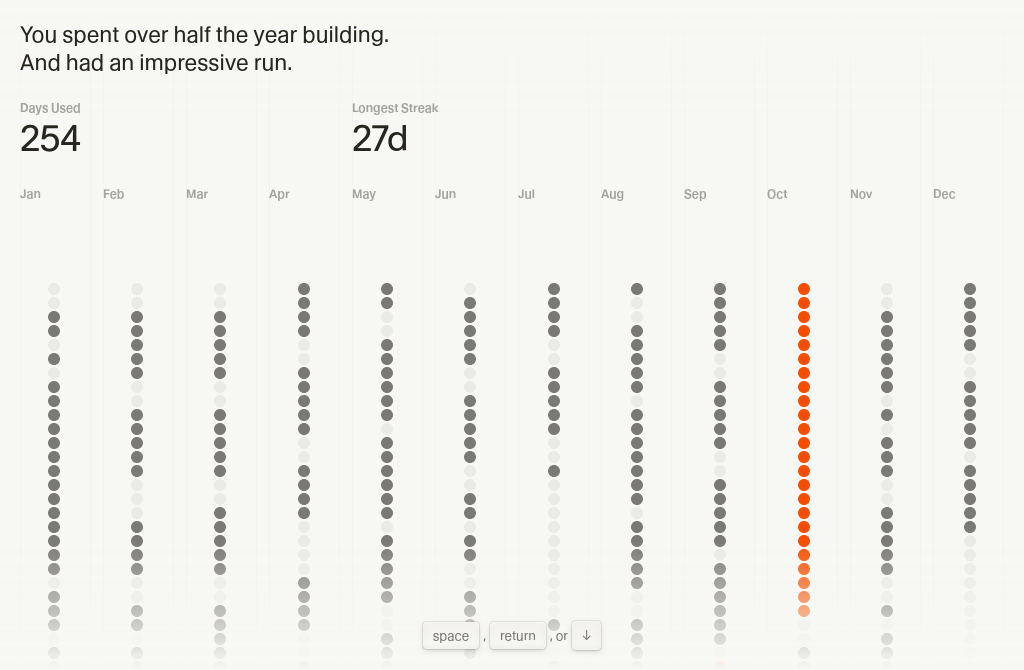
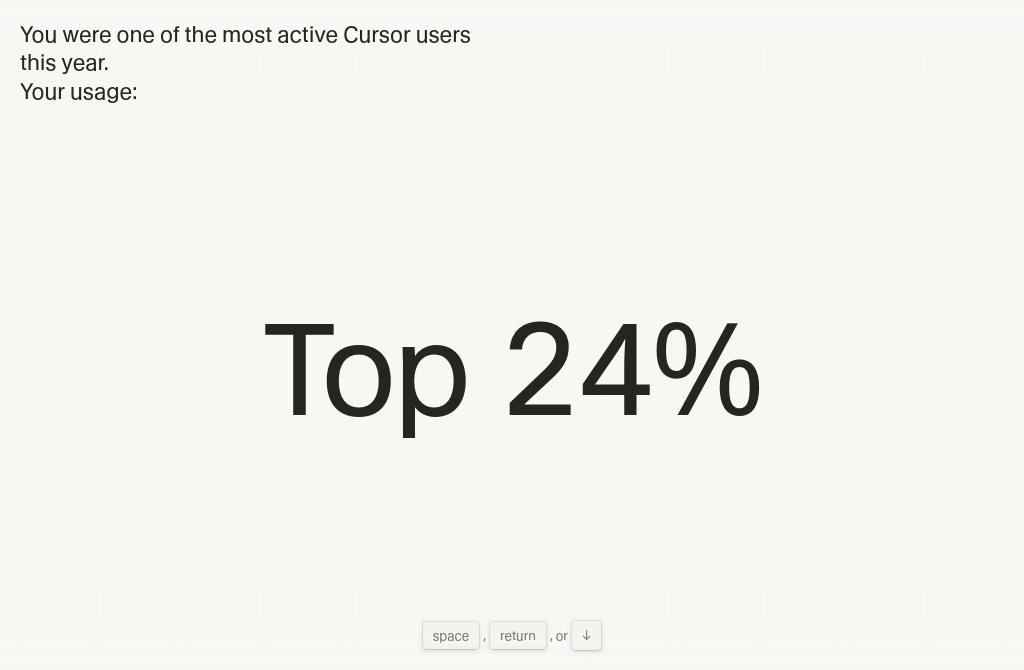
Kao Ε‘to Spotifaj ima svoje godiΕ‘nje preseke Ε‘ta se i koliko sluΕ‘alo, tako i Kursor, editor integrisan sa AI-jem ima svoj π


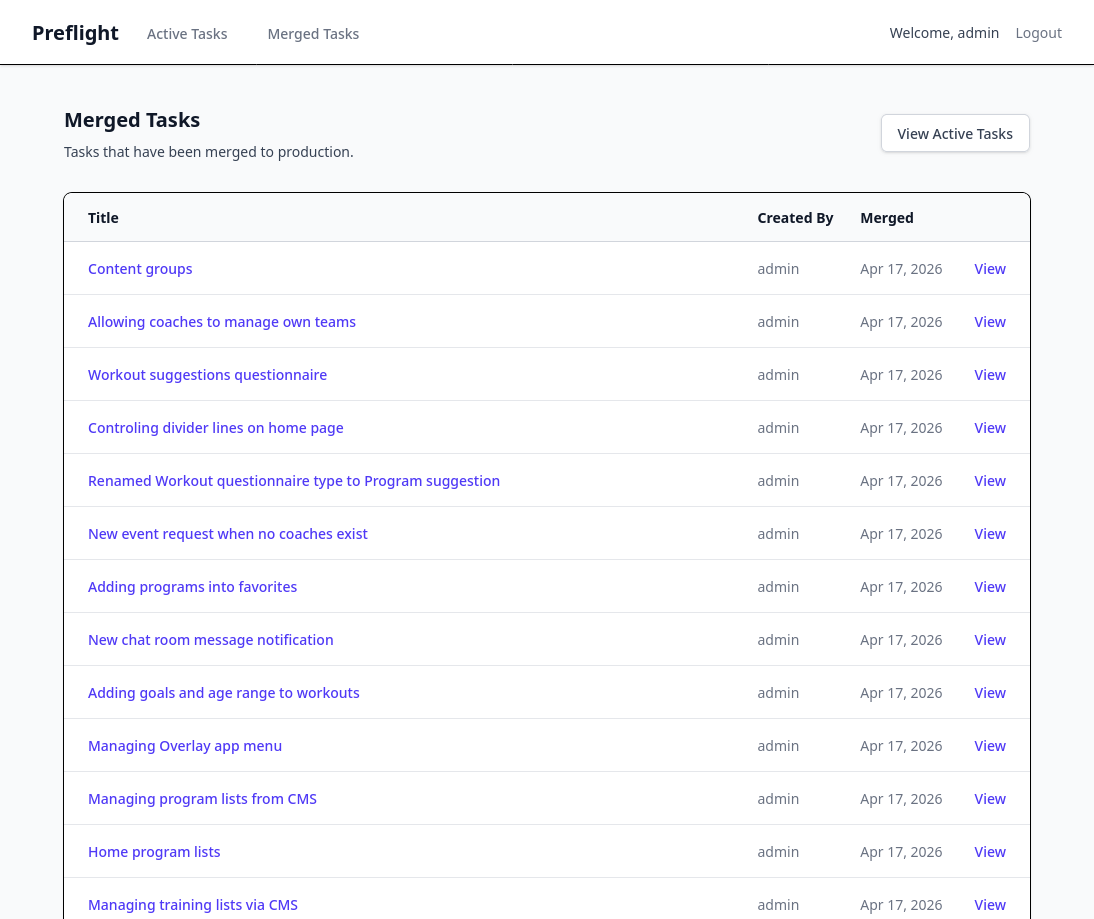
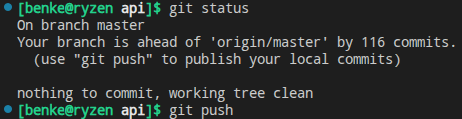
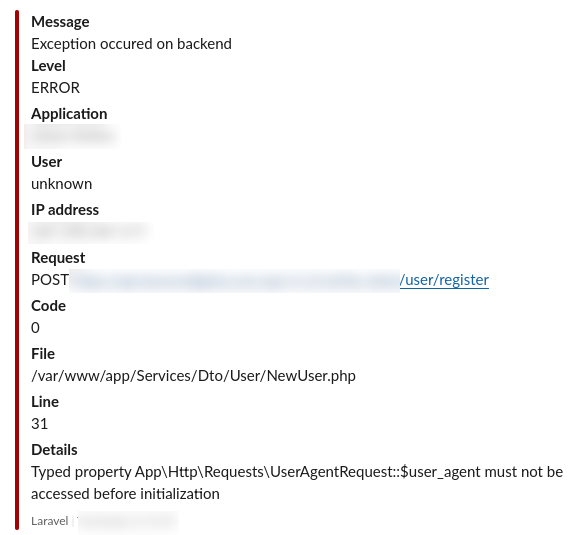
Nakupi se dosta izmena na razvojnoj grani pa se uvek Ε‘trecnem kada to treba spojiti u master i izbildovati produkciju π Uglavnom je proΕ‘lo bez problema. Dve Artisan komande nisu radile kako treba i to zbog nekonzistentnosti podataka u produkcionim bazama Ε‘to je bilo lako reΕ‘ivo i nije uticalo na funkcionisanje sistema. Jedan jedini problem je bio kod registracije novih korisnika ali i to smo brzo zakrpili.


Proveo Δetiri sata isprobavajuΔi razna besplatna reΕ‘enja za pravljenje upitnika na Vordpresu. NajviΕ‘e sam se zadrΕΎao na dodatku koji se zove Quiz and Survey Master, najpopularnije reΕ‘enje na trΕΎiΕ‘tu. I posle svega nisam uspeo da ga nateram da radi kako treba, nije prikazivao tzv. stranice sa pitanjima niti dugmiΔe za prelaz na sledeΔe pitanje. Izgleda da postoji konflikt sa nekim od postojeΔih dodataka ili sa temom. Na kraju sam dao AI-ju da mi napravi upitnik, on je to zavrΕ‘io za pet minuta, posle smo 15 minuta ispravljali bagove ali smo na kraju dobili proizvod koji radi π